
Running out of your essential medication is a stressful experience. Whether it's a forgotten phone call to the pharmacy or a busy week that slipped by, missing a dose can disrupt your health and make it harder to manage chronic conditions. This is where automatic prescription refills is a pharmacy service model where medications are dispensed and delivered to patients before their current supply runs out, removing the need for manual requests. It turns a recurring chore into a background process, ensuring your medicine arrives exactly when you need it.
Quick Wins for Your Refills
- Eliminate Stress: No more last-minute rushes to the pharmacy.
- Better Health: Drastically reduces the risk of missing doses.
- Time Saved: Cuts out multiple phone calls and trips per year.
- Buffer Time: Gives pharmacists a head start to handle insurance or doctor approvals.
How to Set Up Auto-Refills: Step-by-Step
Most pharmacies use a similar digital architecture, meaning once you know the pattern, you can set it up anywhere. While specific buttons might vary between a local drugstore and a large mail-order provider, the process generally follows these four steps.
- Create Your Digital Portal: Start by setting up an account on your pharmacy's website or mobile app. You'll typically need your prescription number (found on the bottle) and your date of birth for verification.
- Locate Your Medication List: Once logged in, look for a section labeled "My Rx," "Prescriptions," or "Medication Management." This is where all your active scripts are listed.
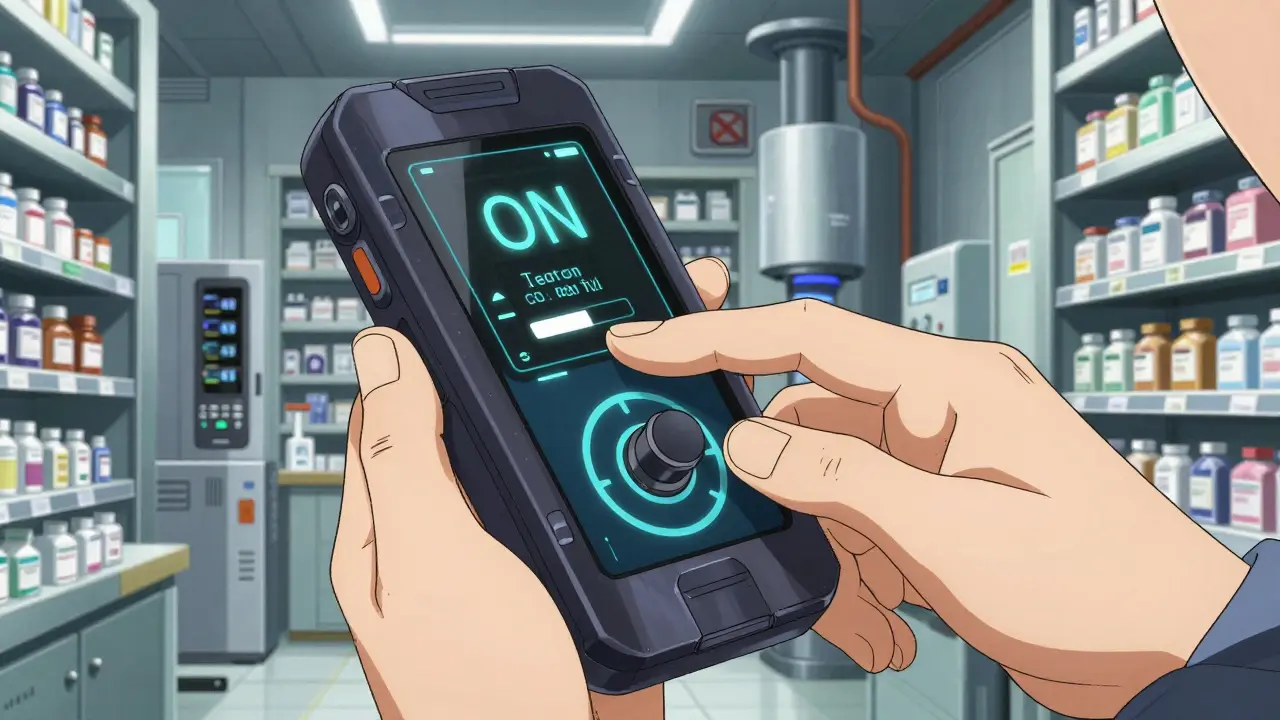
- Toggle the Auto-Refill Switch: Find the specific medication you want to automate. There is usually a toggle switch or a checkbox labeled "Enroll in Auto-Refill" or "Manage Automatic Refills."
- Confirm Delivery and Dates: Verify your shipping address and, if the pharmacy allows it, pick your preferred refill date. Some providers, like Optum Rx, let you customize this date rather than following a default schedule.
Choosing the Right Provider
Depending on your needs, you might use a retail chain or a Pharmacy Benefit Manager (PBM). PBMs are companies that manage prescription drug programs for insurers and employers, often operating as mail-order services. Retail pharmacies are great for quick pickups, while PBMs are often better for long-term maintenance meds delivered to your door.
| Feature | Retail Chains (CVS, Walgreens) | PBMs (Express Scripts, Optum Rx) |
|---|---|---|
| Primary Delivery | In-store pickup or local delivery | Direct-to-home mail order |
| Setup Method | Mobile App / In-person | Online Portal / Member Account |
| Best For | Acute meds / Short-term needs | Stable chronic conditions |
| Reminder System | Text/App notifications | Email/Phone notifications |
When Auto-Refills Are a Lifesaver (and When They Aren't)
Automatic refills are a game-changer for medication adherence-the fancy way of saying "taking your meds correctly and on time." For people managing stable conditions like hypertension or type 2 diabetes, this system removes the mental load of tracking dates. Research has even shown that having a buffer period helps pharmacies resolve "prior authorization" issues with insurance companies before the patient even notices a problem.
However, it's not a one-size-fits-all solution. If you are in a phase of treatment where your doctor is frequently adjusting your dosage, auto-refills can be a liability. You might end up with a stockpile of a 10mg dose when your doctor just switched you to 5mg, leading to medication waste. This is why the American Medical Association has expressed concerns about using fully automatic systems for treatment plans that are continually refined.
Potential Pitfalls and How to Avoid Them
While the convenience is high, a few things can trip up the process. First, be aware of controlled substances. Due to federal laws, many pharmacies cannot auto-refill medications with strict regulatory controls. If your med isn't showing up as "eligible," this is likely why.
Another hurdle is state regulation. For example, some Medicaid programs in certain states prohibit point-of-sale auto-refills to prevent medication stockpiling. If you find your request is denied, check if your insurance plan has specific restrictions on automated dispensing.
To avoid "surprise shipments"-where a box arrives before you've used your previous supply-opt for Medication Synchronization. Unlike a fully automatic push, synchronization aligns all your prescriptions to be filled on the same day each month, usually after a quick confirmation from the pharmacist to ensure no dosages have changed.
Pro Tips for a Smooth Experience
- Audit Your Cabinet: Every three months, check your pill bottles. If you have a surplus, call your pharmacy to push back the next auto-refill date.
- Update Insurance Immediately: An expired insurance card is the #1 reason auto-refills fail. Update your profile the moment you get a new card.
- Set Your Own Calendar Alert: Even with a pharmacy's reminders, set a personal alert for three days before your expected delivery to confirm everything is on track.
Does automatic refill cost extra?
No, most major pharmacy chains and PBMs provide auto-refill as a free service. You only pay the standard prescription copay or fee associated with your insurance plan.
Can I cancel an auto-refill if my dose changes?
Yes. You can toggle the auto-refill off via the pharmacy's app or website, or by calling the pharmacist directly. It's best to do this at least a week before the scheduled refill date to prevent the medication from shipping.
What happens if I run out of refills on my prescription?
The auto-refill system will flag the prescription as "expired" or "out of refills." The pharmacy will typically contact your doctor on your behalf to request a new prescription, though this can take a few days, which is why the built-in buffer period is so helpful.
Are all medications eligible for auto-refill?
Not all. Most maintenance medications for chronic conditions are eligible. However, controlled substances, certain high-risk medications, or those requiring frequent physician monitoring are often excluded for safety and legal reasons.
How do I know when my medication has been shipped?
Most modern systems send notifications via email, text, or app alerts. Providers like CenterWell typically send two reminders before the package actually ships so you can make any necessary changes.
Next Steps and Troubleshooting
If you're a first-timer: Start by automating just one stable medication. Once you see how the reminder and delivery cadence works, add your other maintenance drugs.
If your auto-refill failed: First, check your insurance portal to ensure your coverage is active. Second, verify that your shipping address is up to date in the pharmacy's system. If both are correct, call the pharmacy to see if a "prior authorization" is required from your doctor.
If you're managing multiple meds: Ask your pharmacist about a "Sync Program." This is a step up from simple auto-refills, as it coordinates all your medications to arrive in one single shipment once a month.